
Last checked: 23 September 2026
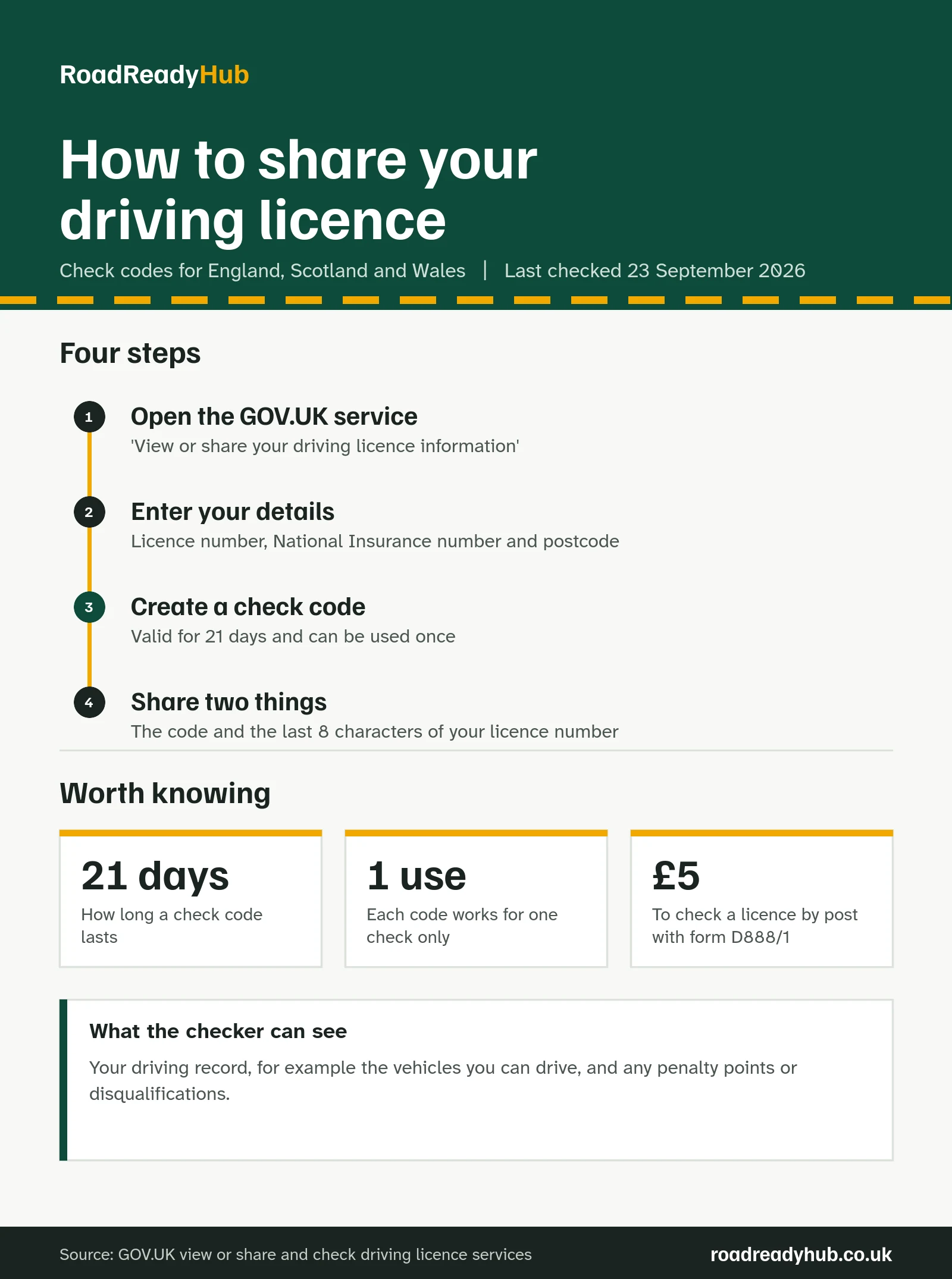
To share your driving licence information, use GOV.UK’s View or share your driving licence information service to create a check code. Give that code, plus the last 8 characters of your driving licence number, to whoever needs to see your record, such as a car hire company. The code lasts 21 days and can only be used once.
Car hire companies and employers often want to see your full driving record, including any penalty points, before they let you drive. A check code lets them look it up online, with your permission, without you handing over your login details or printing anything.
The service works for licences issued in England, Scotland and Wales. Northern Ireland has its own system, which we cover near the end.
What you need before you start
To create a check code, you need three things:
- your driving licence number
- your National Insurance number (GOV.UK can help you find it if you’ve lost it)
- the postcode on your driving licence
If the postcode on your licence is out of date, it’s worth updating it first. Changing the address on your licence is free. If you’ve lost your licence altogether, our guide to replacing a lost licence explains what to do.
How to create a driving licence check code
- Go to View or share your driving licence information on GOV.UK and start the service.
- Enter your driving licence number, National Insurance number and the postcode on your licence.
- Choose to share your licence information and create a check code.
- Write down or copy the code. You’ll need to give it to the person checking, together with the last 8 characters of your licence number.
You can also get a check code through your driver and vehicles account, if you already have one.
A tip for car hire: create the code shortly before you travel, but not on the day. It lasts 21 days, so a code made a few days ahead gives you time to sort out any problems, while still being valid when you pick up the car.
What to give the car hire company or employer
The person checking your licence needs both of these:
| What they need | Where to find it |
|---|---|
| Your check code | The code you created on GOV.UK |
| The last 8 characters of your driving licence number | On your photocard licence |
They then use GOV.UK’s Check someone’s driving licence information service. Two rules matter here: they must use the code within 21 days, and each code works for one check only. If they need to check again, or the code runs out, you’ll need to create a new one.
What information does a check code share?
The check shows your driving licence information, for example the vehicles you’re allowed to drive and any penalty points or disqualifications. That’s the same record you can see yourself when you view your licence online.
If you’re worried about what’s on your record, check it yourself first. Our penalty points calculator shows when any points stop counting towards a ban, and our guide to driving licence categories explains the vehicle codes you’ll see. You can also check how long penalty points stay on your licence.
Checking a driver’s licence as an employer
Employers and hire companies can only check a licence with the driver’s permission. GOV.UK is clear that it’s a criminal offence to obtain someone else’s personal information without their permission.
To check online you need the driver’s check code and the last 8 characters of their licence number. If you have both, plus the driver’s permission, you can also call DVLA for help using the online service on 0300 083 0013 (Monday to Friday, 8am to 7pm, and Saturday, 8am to 2pm).
There’s also a postal route. You and the driver fill in form D888/1 together, and send it with a £5 cheque or postal order, made payable to “DVLA, Swansea”, to: Drivers Fee Paying Enquiries (DFPE) Team, DVLA, Swansea, SA99 1AJ.
GOV.UK’s check service doesn’t say how often employers should check. Because each code only works once, regular checks mean asking the driver for a new code each time.
What do the codes on the back of your licence mean?
Separate from check codes, your photocard licence has numbered codes printed on the back. These show conditions you must meet when you drive. Here are some of the most common:
| Code | What it means |
|---|---|
| 01 | Eyesight correction, for example glasses or contact lenses |
| 78 | Restricted to vehicles with automatic transmission |
| 79 (3) | Restricted to tricycles |
| 96 | Allowed to drive a vehicle and trailer where the trailer is at least 750kg and the combined weight is 3,500kg to 4,250kg |
| 101 | Not for hire or reward (not to make a profit) |
| 107 | Not more than 8,250 kilograms |
| 115 | Organ donor |
| 118 | Start date is for the earliest entitlement |
Codes 101 and 107 are worth knowing if you passed your car test before 1 January 1997. The D1 and C1E entitlements you were given come with these same limits: not for hire or reward, and up to 8.25 tonnes. Check your own licence to see exactly which codes apply to you. The full list is on GOV.UK’s driving licence codes page.
Northern Ireland licences
The GOV.UK service only covers licences issued in England, Scotland and Wales. If your licence was issued in Northern Ireland, check how to share your record on nidirect.
If your photocard has expired, renew it first. Our driving licence renewal calculator shows when yours is due and how to renew.
Frequently asked questions
How long does a driving licence check code last?
21 days. The person checking must use it within that time, and each code can only be used once.
What do I need to create a check code?
Your driving licence number, your National Insurance number and the postcode on your driving licence.
How do I share my licence with a car hire company?
Create a check code on GOV.UK and give the company the code plus the last 8 characters of your driving licence number. They use these to check your record online.
Can a check code be used more than once?
No. Each code works for one check only. If someone needs to check your licence again, create a new code.
What does code 79 (3) mean on a driving licence?
It means the entitlement is restricted to tricycles.
Sources: View or share your driving licence information, Check someone’s driving licence information and Driving licence codes, all on GOV.UK.